Get call details, messages, and new leads pushed straight into your Slack workspace, the moment they happen.
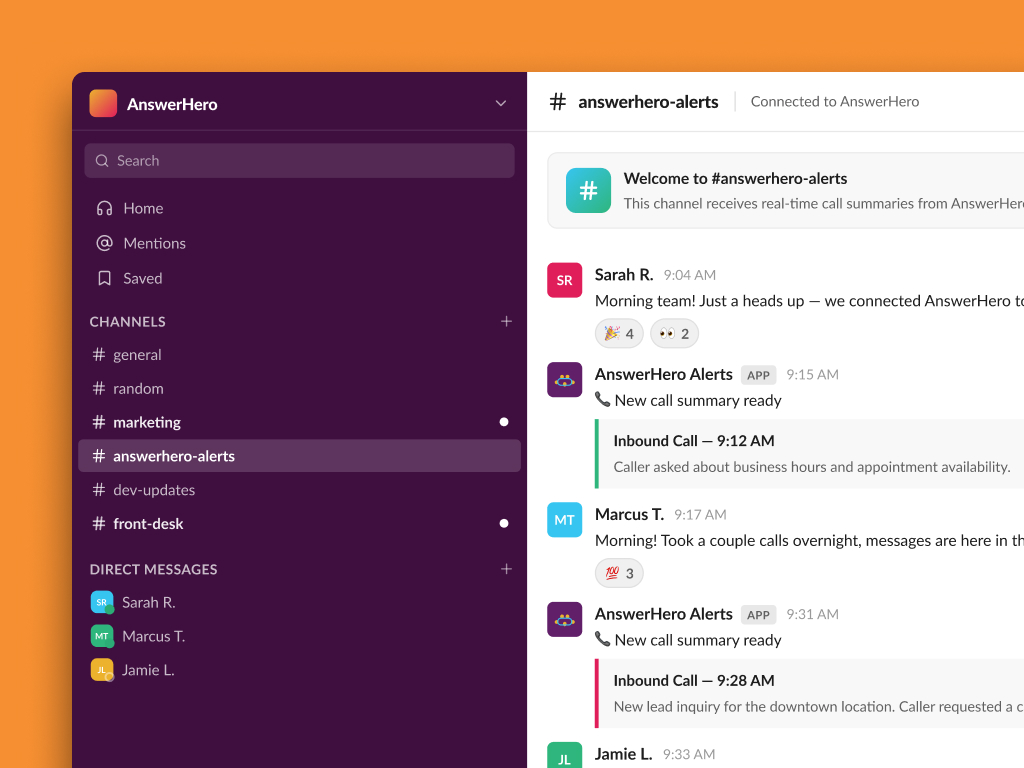
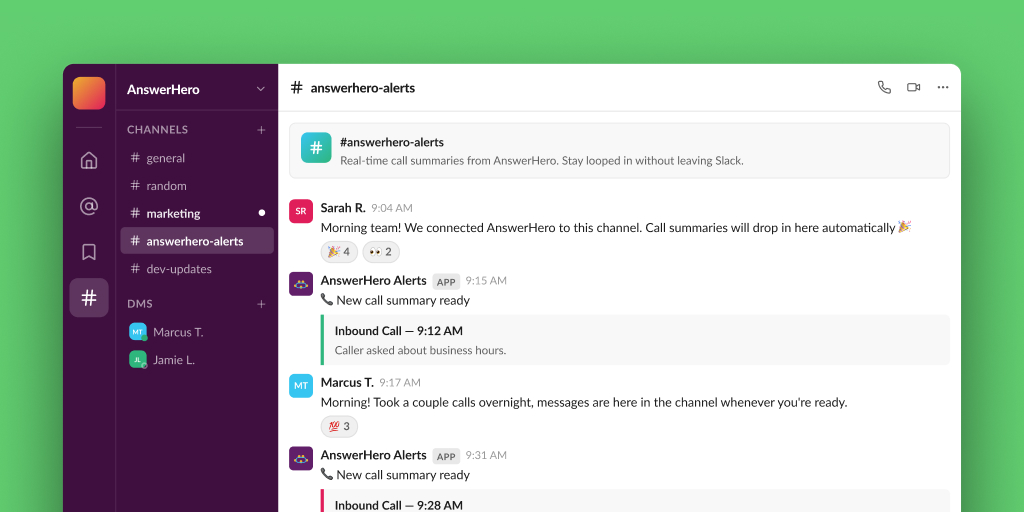
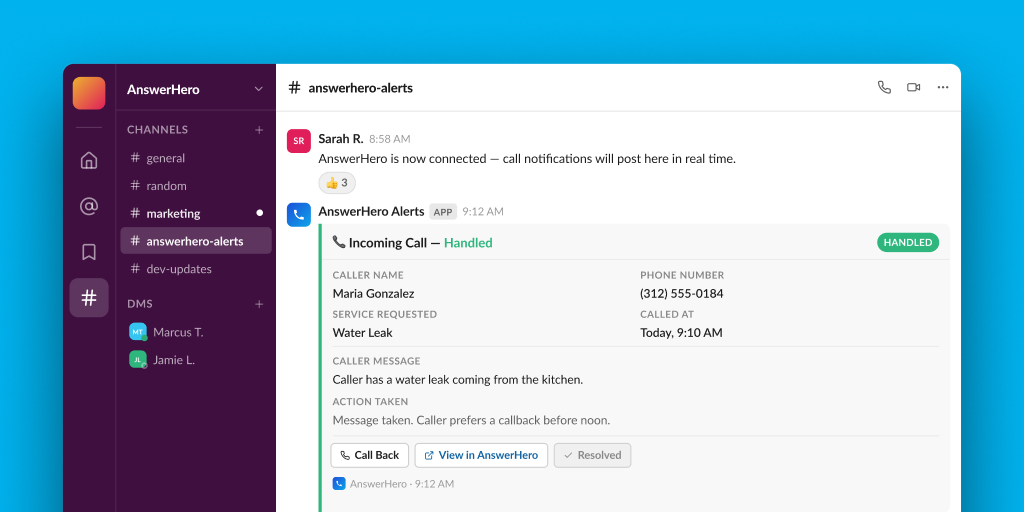
Every call AnswerHero answers on your behalf can show up in Slack automatically. No more digging through email or waiting on a callback list. Connect AnswerHero to Slack and your team sees new calls, messages, and leads the second they come in, right in the channel where work already happens.
Slack is a workplace messaging platform built around channels, direct messages, and instant notifications. Teams use it to coordinate projects, share updates, and stay connected in real time, whether everyone is in one office or spread across time zones.
If your team already lives in Slack, connecting it to AnswerHero means call information never has to leave the tool your team already checks constantly.
Why Connect Slack With AnswerHero
Pairing AnswerHero with Slack keeps your whole team on the same page, without anyone having to check a separate portal or wait on an email.
Real-Time Call Notifications
Your team sees new calls the moment they happen, in the channel or DM you choose.
Automatic Message Routing
Call details and messages land with the right people instead of sitting in a shared inbox.
Urgent Alert Flagging
High-priority calls can be routed to a dedicated channel so nothing urgent gets buried.
Centralized Team Visibility
Everyone can see call activity in one place, cutting down on “did you see this?” follow-ups.
How to Connect AnswerHero to Slack
Connecting Slack to your AnswerHero account only takes a few minutes, no development work required. Here’s how to get it running:
1
Connect Your Workspace
Link your Slack workspace from your AnswerHero account settings.
2
Choose Your Channel
Pick which Slack channel or direct message should receive AnswerHero notifications.
3
Set Your Notification Rules
Decide which events trigger a message: new calls, messages, appointments, or urgent alerts.
4
Test and Go Live
Send a test notification to confirm everything looks right, then turn it on.
Setting Up Your Slack Integration
Getting AnswerHero connected to Slack is quick and code-free. For a step-by-step walkthrough, our Learning Center has a Slack-specific article ready to guide you.
Need help with setup? Read our Slack article in the Learning Center.
Notifications post to Slack in real time, so your team sees new calls, messages, and leads within moments of AnswerHero handling them.
You can send new call notifications, message details, appointment confirmations, and lead information into Slack, depending on how you set up your notification rules.
Yes. You can set up routing rules so urgent calls go to a dedicated channel while routine calls go to your general team channel.
AnswerHero doesn't charge an extra fee for the Slack integration itself.
No. The setup happens directly inside your AnswerHero account settings. Most teams can have it running in a few minutes.
Explore More Integrations
Slack is one of several tools that connect with AnswerHero. Take a look at what else you can sync with your call answering service:
Google Calendar
Centralize your schedule, manage your events, and stay organized with Google Calendar.
Zendesk
Award-winning customer service software for your growing company.
Zoho CRM
The most flexible and customizable CRM for businesses of all sizes.