
For years, answering services stopped at the phone call. Someone picked up when you couldn’t, took a message, and passed it along. The problem? That information then sat in an email or voicemail until someone manually typed it into your CRM. By then, the lead had cooled off or moved on to a competitor.
CRM phone system integration changes this completely. When your answering service connects directly to your CRM, call information flows automatically into your system the moment the conversation ends. No manual entry. No delays. No leads falling through the cracks because someone forgot to log a call.
For sales teams, law firms, and small businesses managing inbound leads, this kind of integration isn’t just convenient. It’s how you stay competitive.
When we talk about a CRM-integrated phone answering service, we’re talking about practical capabilities that save time and eliminate errors.
On calls, our receptionists work directly inside your CRM. They can pull up a caller’s history instantly, see previous interactions, and understand context before the conversation even starts. When the call ends, everything gets logged automatically. Contact details, call notes, reason for calling, next steps — all of it flows into the right place without anyone typing it in twice.
Instead of relying on your team to manually update records after a call, our receptionists work inside your CRM while they’re speaking with the caller. That means we can collect complete contact details, qualify the inquiry, log detailed notes, and schedule appointments in real time.
Call data, time stamps, conversation outcomes, and next steps are documented immediately and delivered directly into your system.
For example, imagine that a roofing company receives a call from a homeowner whose roof is leaking. Our team gathers the caller’s name, phone number, email, and address, creates the contact in the CRM, schedules the service appointment right away, and sends an urgent notification to the business owner. By the time the call ends, the appointment is booked and the issue is already moving toward resolution.
That’s not just data capture. That’s real-time intake and appointment scheduling that protects revenue and improves the customer experience.
Here’s what happens without integration: Your answering service takes a message. They email it to you. Someone on your team sees the email an hour later. They open your CRM. They manually type in the contact information. They create a task. They assign it to the right person. That person finally calls back three hours after the initial inquiry.
By then? The lead has already called two of your competitors.
The best way to reduce manual data entry with phone systems and CRM integration is to eliminate every step between the call and your CRM. The moment a lead calls, their information is in your system, assigned to the right person, with a follow-up task already created. Your team can respond while interest is still high.
For sales teams, this speed matters. Studies consistently show that the faster you respond to a lead, the higher your conversion rate. Integration doesn’t simply save time. It directly impacts revenue.
Integration goes beyond logging calls. CRM workflow automation means your answering service can trigger specific actions based on call content. That includes scheduling appointments directly inside your calendar system, creating tasks for follow-up, and escalating urgent matters immediately.
A lead calls asking about pricing? The system logs the inquiry, tags it as high-intent, and assigns it to your sales team with priority status. An existing customer calls with a billing question? The system routes the information to your account management team and creates a support ticket automatically.
When you pair CRM workflow automation software with professional answering services, your entire lead management process becomes faster and more consistent. Our receptionists follow your protocols, but the system handles the routing, tagging, and task creation automatically.
This is especially important during high-volume periods. Marketing campaigns, product launches, busy seasons — these all create call spikes. Without integration, your team scrambles to keep up with manual data entry. With integration, the system handles the surge without breaking stride.
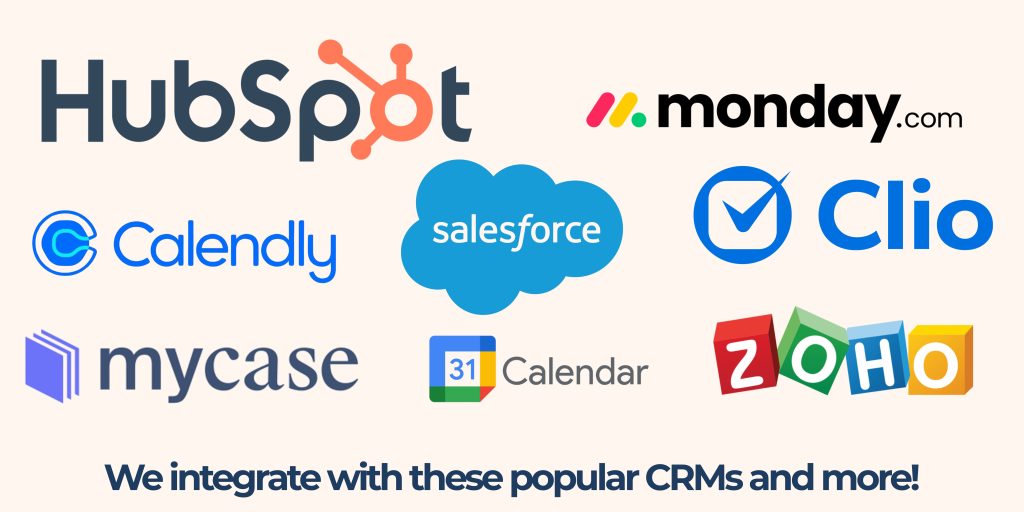
Many growing businesses use different systems for different purposes. Sales uses one CRM. Customer service uses another. Operations has a third system.
Professional answering services can work with multiple systems simultaneously. Our receptionists log sales inquiries into your sales CRM, support requests into your ticketing system, and appointment requests into your calendar — all based on the type of call. This keeps information flowing to the right place without forcing you to consolidate your entire tech stack.
For legal practices, this goes far beyond simple message logging. When a new lead calls, our receptionists can qualify the inquiry immediately, gather all required intake information, log it directly into your case management system, and schedule a consultation with the attorney during that first call.
We collect the caller’s contact details, case type, relevant background information, and level of urgency, then enter everything into your system in real time. If the matter is time-sensitive, our team can escalate it according to your firm’s protocols.
The law firm team doesn’t have to stop what they’re doing. There’s no manual data entry, no chasing down incomplete notes, and no delay in scheduling.
That improves client experience, protects billable time, streamlines time management, and most importantly, increases revenue by converting more qualified leads into booked consultations.
For service-based businesses, integration might mean connecting to your scheduling platform, your CRM, and your project management tool so appointments are booked and dispatches are triggered while the caller is still on the line.
Not every answering service can actually deliver on integration. When evaluating providers, ask these questions:
The difference between a lead that converts and one that disappears often comes down to response time. When your answering service integrates directly with your CRM, faster lead response time eliminates the delays that kill conversion rates.
AnswerHero’s virtual receptionist services work inside your CRM to capture leads, log call details, and trigger your workflows automatically. Our team handles the calls, completes intake, and schedules appointments directly inside your CRM. Your system handles the data. Your team receives qualified, organized leads while interest is still high.
Ready to stop losing leads to manual processes? See how AnswerHero’s CRM phone system integration can transform your lead management.

Never miss an important call again with AnswerHero. Our team of professionals will answer calls 24/7/365 based on the information you provide about your business. We handle basic processes like taking messages and routing calls, but we can also make appointments and provide translation services. See the difference AnswerHero makes — choose your plan or contact us today.


Contracts or
Hidden Fees
We Answer Your Calls All Year Round
Bilingual Agents