
AnswerHero + Slack Integration

2 MIN READ

Get call details, messages, and new leads pushed straight into your Slack workspace, the moment they happen.

Every call AnswerHero answers on your behalf can show up in Slack automatically. No more digging through email or waiting on a callback list. Connect AnswerHero to Slack and your team sees new calls, messages, and leads the second they come in, right in the channel where work already happens.
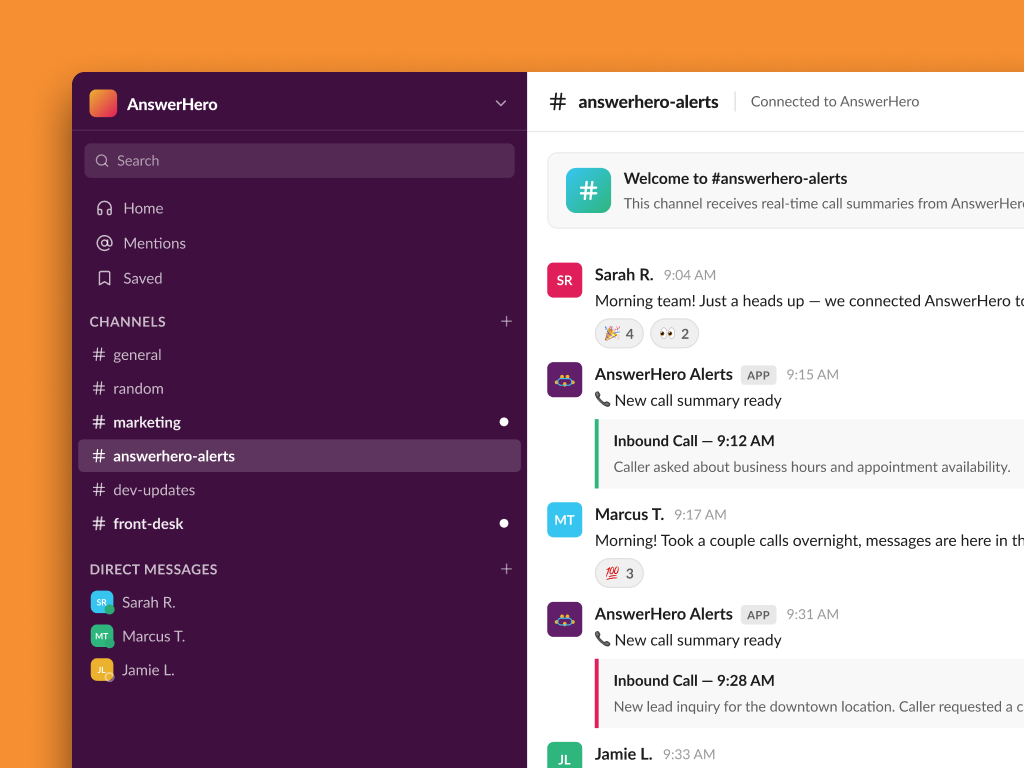
What is Slack?

Slack is a workplace messaging platform built around channels, direct messages, and instant notifications. Teams use it to coordinate projects, share updates, and stay connected in real time, whether everyone is in one office or spread across time zones.

If your team already lives in Slack, connecting it to AnswerHero means call information never has to leave the tool your team already checks constantly.

Why Connect AnswerHero to Slack

Pairing AnswerHero with Slack keeps your whole team on the same page, without anyone having to check a separate portal or wait on an email.

  • Real-Time Call Notifications: Your team sees new calls the moment they happen, in the channel or DM you choose.
  • Automatic Message Routing: Call details and messages land with the right people instead of sitting in a shared inbox.
  • Urgent Alert Flagging: High-priority calls can be routed to a dedicated channel so nothing urgent gets buried.
  • Centralized Team Visibility: Everyone can see call activity in one place, cutting down on “did you see this?” follow-ups.

How to Connect AnswerHero to Slack

Connecting Slack to your AnswerHero account only takes a few minutes, no development work required. Here’s how to get it running:
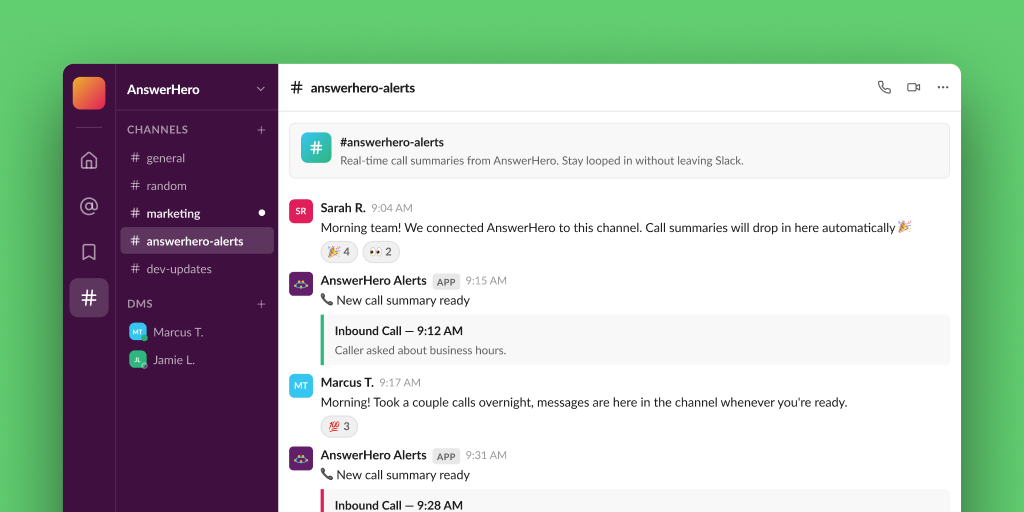
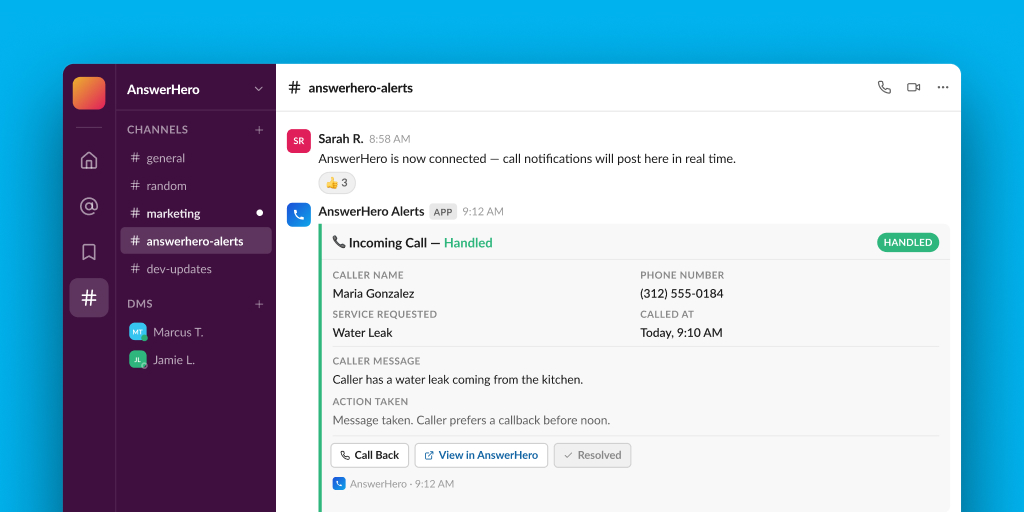
  1. Connect Your Workspace – Link your Slack workspace from your AnswerHero account settings.
  2. Choose Your Channel – Pick which Slack channel or direct message should receive AnswerHero notifications.
  3. Set Your Notification Rules – Decide which events trigger a message: new calls, messages, appointments, or urgent alerts.
  4. Test and Go Live – Send a test notification to confirm everything looks right, then turn it on.

Slack Channel Setup Steps

To set up AnswerHero to deliver messages to a Slack channel, please use the following steps:

  1. Go to api.slack.com/apps and click Create New App → From scratch.
  2. Give it a name (e.g. “AnswerHero Alerts”) and select the workspace, then Create App.
  3. In the app’s left nav, open Features → Incoming Webhooks.
  4. Toggle Activate Incoming Webhooks to On. The page refreshes and shows more options.
  5. Scroll down and click Add New Webhook to Workspace.
  6. Pick the channel the alerts should post to, then click Allow (Authorize). Note: for a private channel, you must already be a member of it.
  7. Back on the settings page, under Webhook URLs for Your Workspace, click Copy on the generated URL. It looks like: https://hooks.slack.com/services/T00000000/B00000000/XXXXXXXX
  8. Provide the channel URL to AnswerHero so it can be added to your account.

Setting Up Your Slack Integration

Getting AnswerHero connected to Slack is quick and code-free. Follow the Slack channel setup steps above to generate your webhook URL, then share it with AnswerHero to finish linking your workspace, choose a channel, and set your notification rules, you’ll be live in just a few minutes.

Have questions? Call our customer care team at 888-389-1005 and we’ll help you get set up.

Previous ArticleCall Forwarding Options: A Guide for AnswerHero Customers
full-width-image-cta-bg

Choose AnswerHero for 24/7 Service

Never miss an important call again with AnswerHero. Our team of professionals will answer calls 24/7/365 based on the information you provide about your business. We handle basic processes like taking messages and routing calls, but we can also make appointments and provide translation services. See the difference AnswerHero makes — choose your plan or contact us today.


Book callPricing and plans

layout-1-badge-bg layout-1-main-image

0

Contracts or
Hidden Fees

24/7

We Answer Your Calls All Year Round

100%

Bilingual Agents